
A rotation that stays fair
Run it your way and let PulseKJ do the bookkeeping.
- Sign-up order, classic circle, or fair play
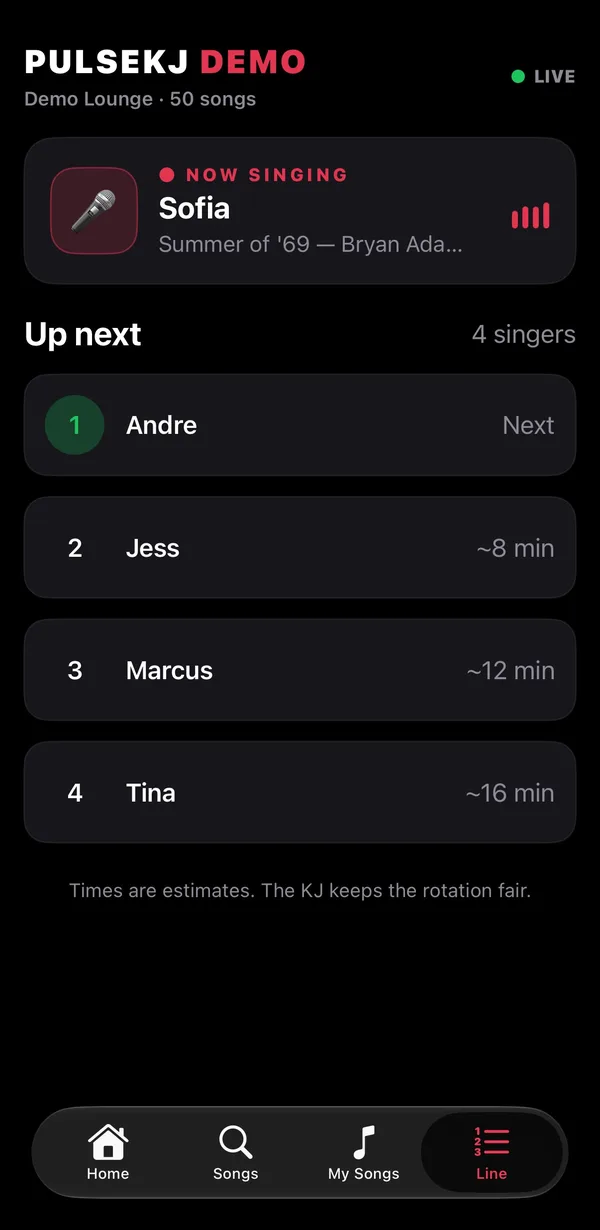
- Wait times for every singer
- Your own host spot that never costs anyone a turn
PulseKJ keeps your rotation fair, changes keys instantly, puts a polished show on the singer screen, and turns every phone in the room into your song book.
Singing tonight? Get the free PulseKJ app for iPhone.
Built by a working KJ, tested at live shows, and shaped by what actually goes wrong on a busy night.
Run it your way and let PulseKJ do the bookkeeping.
Change key or speed mid-song with no glitches and no waiting.
Smooth cross-fades, your logo and colors, announcements, and request and tip QR codes between songs.
Your break playlists play between singers and sweep out into each song, then bloom back after.
Point it at your folders once. PulseKJ keeps up with every change, so you never rescan.
The next songs in line are ready before they're called, and choppy video files can be fixed in one click.
Every singer's history, saved songs and notes, kept per venue. Welcome them back by name.
Search tens of thousands of songs as you type. Misspelled? PulseKJ works out what they meant.
Automatic backups of your singers and history, plus an end-of-night show report when you want one.
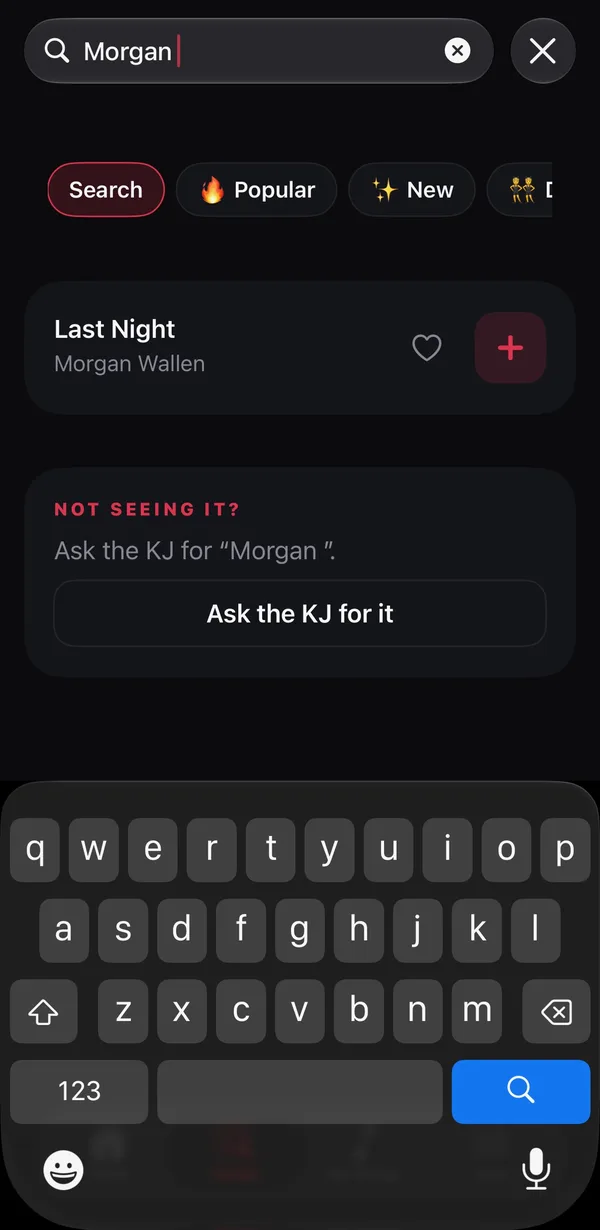
Guests browse your whole library and send requests from their seats. You approve them with a tap.
Each venue gets its own PIN and QR code, shown on the singer screen.
The QR opens a request page on any phone, iPhone or Android. iPhone users can also use the free PulseKJ app. No venue Wi-Fi, no accounts.
Accept one, or all at once. Singers see their spot in line, their wait time, and a "you're up next" alert in the app.
 For singers
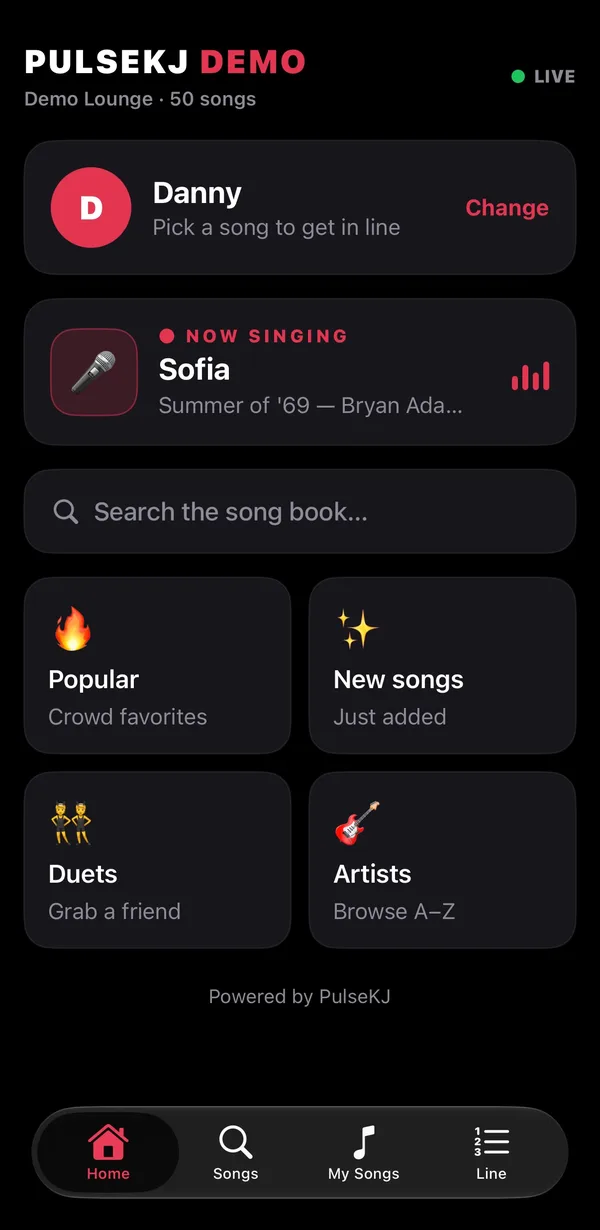
Get the free PulseKJ app, enter the PIN from the KJ's screen, and request songs from your seat. You'll get a tap on the shoulder when you're almost up.
No show tonight? Open the app and enter 000000 to try the demo.
On Android or don't want an app? Just scan the QR code at the show.
PulseKJ is in active development, with new features arriving all the time. We're opening it to a small group of KJs first. Pricing will be announced at launch.
A Mac running macOS 11 Big Sur or later. It runs natively on both Apple silicon and Intel Macs, and it's at its best on Apple silicon. Everything it needs, including video tools, comes inside the app.
MP3+G (MP3 + CDG pairs), zipped CDG tracks, and karaoke videos. Keep your library on your Mac or an external drive, organized however you like.
No. Your songs, rotation and singer screen all run on your Mac. Phone requests use the internet (the Mac and the guests' phones), so guests never have to join the venue's Wi-Fi.
No. They can scan the QR code on the singer screen and request from a web page on any phone. iPhone users who want "you're up next" alerts can get the free PulseKJ app.
Pricing will be announced at launch. Early-access KJs hear first.
It already runs live shows, and it's in active development: new features and improvements arrive regularly, shaped by real shows.